> For the complete documentation index, see [llms.txt](https://docs-v3.toucantoco.com/llms.txt). Markdown versions of documentation pages are available by appending `.md` to page URLs; this page is available as [Markdown](https://docs-v3.toucantoco.com/data-management-in-datahub/using-advanced-data-concepts/data-cache.md).
# Data cache
Toucan offers robust data caching mechanisms to enhance performance and responsiveness. This documentation provides an in-depth overview of the data caching features implemented in both the frontend (user's browser level) and backend (Toucan server level).
## Frontend data caching
The frontend data caching takes place within the user's web browser. This cache ensures that once a data request is made by a browser during a "session", it will not be repeated until the user refresh the page or quit Toucan (and comeback to it).
This cache feature is enabled by default.
## Backend data caching
The backend data caching takes place within Toucan backend server.
### Slow query caching
This is designed to cache server-side queries made via connectors in live data. If a query is slow (exceeding a certain amount of time defined by the parameter TOUCAN\_QUERY\_CACHE\_MIN\_TIME), it is cached and will not be rerun if another client requires the same data.
The parameter `TOUCAN_QUERY_CACHE_MIN_TIME` is set as **1000 ms** by default.
**Cache lifetime**
The cache lifetime is equals by default to **10 minutes**.
The duration is configurable at the connector, and query levels (for some connectors), within the field "Slow queries' cache expiration time."
{% hint style="info" %}
**Amount of data limits**
The maximum total amount of data cached cannot exceed **2GB**. When exceeding this limit, the data are not cached anymore.
The maximum amount of data for a specific query cannot exceed **200MB**, otherwise the data is not cached.
{% endhint %}
## Data preparation (YouPrep) caching
There is a specific cache that is used when making data preparation with YouPrep. This cache is applied **only on Toucan execution engine**, and not when evolving within a NativeSQL context.
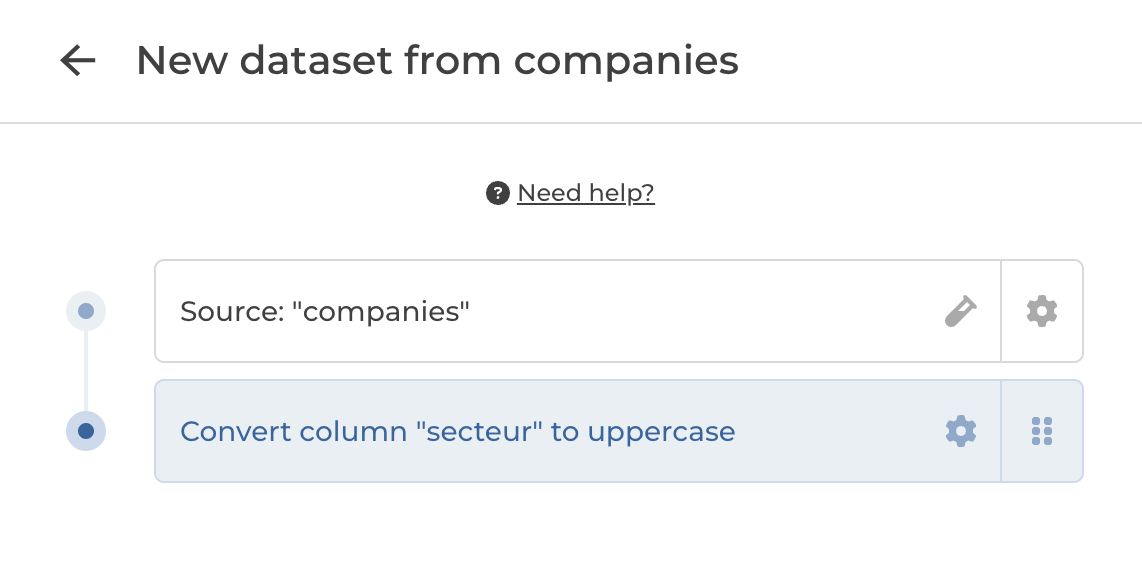
The first step within YouPrep (aka Source step) is always kept in cache, and then when any following step takes more than 3 sec to be completed, the result is also cached in order to ensure a fluid experience within YouPrep.
Cache lifetime
The cache is deleted once dataset edition interface is closed.
{% hint style="success" %}
You knows now everything on data caching system.
{% endhint %}
---
# Agent Instructions
This documentation is published with GitBook. GitBook is the documentation platform designed so that both humans and AI agents can read, navigate, and reason over technical content effectively. Learn more at gitbook.com.
## Querying This Documentation
If you need additional information that is not directly available in this page, you can query the documentation dynamically by asking a question.
Perform an HTTP GET request on the current page URL with the `ask` query parameter, and the optional `goal` query parameter:
```
GET https://docs-v3.toucantoco.com/data-management-in-datahub/using-advanced-data-concepts/data-cache.md?ask=&goal=
```
`ask` is the immediate question: it should be specific, self-contained, and written in natural language.
`goal` is optional and describes the broader end goal you are ultimately trying to accomplish on behalf of the user. GitBook uses it to tailor the answer towards what is most useful for that goal.
The response will contain a direct answer to the question and relevant excerpts and sources from the documentation.
Use this mechanism when the answer is not explicitly present in the current page, you need clarification or additional context, or you want to retrieve related documentation sections.